Screens are now central to family life—online learning, video calls, recipes, and evening entertainment. Long screen hours can cause tired eyes, headaches, or discomfort, especially for kids and older adults. While people often focus on camera or battery life, display comfort matters just as much. A gentle screen makes daily viewing more enjoyable. Modern phones include eye-friendly features. This article highlights what to look for when choosing a comfortable phone for your family.
Look for Flicker-Free Screens
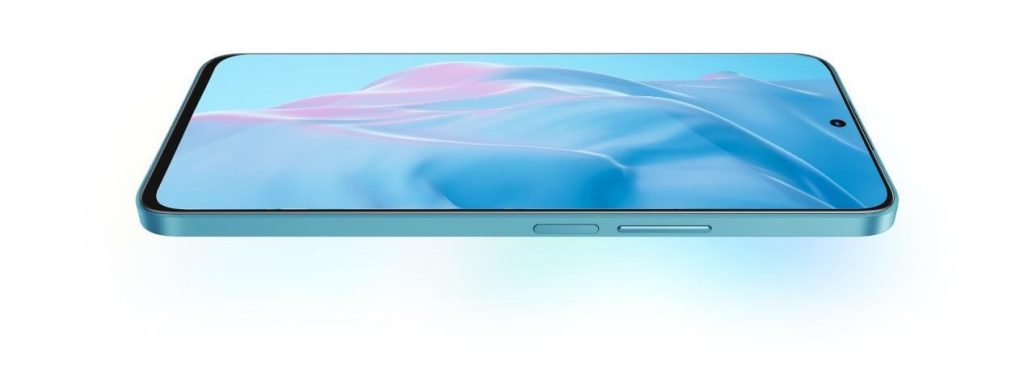
One of the most overlooked display features is flicker control. Some phone screens rapidly adjust brightness in ways that are invisible to the eye but can still cause fatigue during long use. Sensitive users may experience discomfort even if they cannot consciously notice the flickering itself. Flicker-free or low-flicker displays help create a smoother visual experience that feels more natural during reading or scrolling. This becomes especially important for children doing homework or adults using their phones late at night. Choosing a phone with strong flicker reduction can make extended screen time feel noticeably more comfortable.
Check Blue Light Protection
Blue light filters reduce the amount of short-wavelength light emitted from the display, making the screen appear warmer and less harsh—especially during evening use. Many people find this helps reduce eye fatigue during long reading sessions or nighttime browsing. In daily life, it’s particularly useful for families who spend time on their phones before bed. The softer display tone feels calmer and easier on the eyes over time. Some phones go even further with certified protection that reduces harmful blue light at the display level while maintaining more accurate colors—a balance that phones like the HONOR X8a phone achieve with their TÜV Rheinland low blue light certification. This provides better visual comfort without sacrificing image quality for families who use smartphones throughout the day.
Pick the Right Screen Type
LCD – No flicker, good for sensitive eyes
LCD screens remain a solid choice for users who are particularly sensitive to display flicker. Many LCD panels naturally avoid the type of brightness modulation that can bother some people during extended use. In everyday situations, this can make reading articles, browsing social media, or watching videos feel easier on the eyes. Families with younger children or older adults may especially appreciate the stable viewing experience. LCD screens also tend to deliver consistent brightness across different environments. While they may not always look as vivid as newer display technologies, comfort can often matter more than extreme color intensity.
High-quality OLED – Less flicker at high brightness
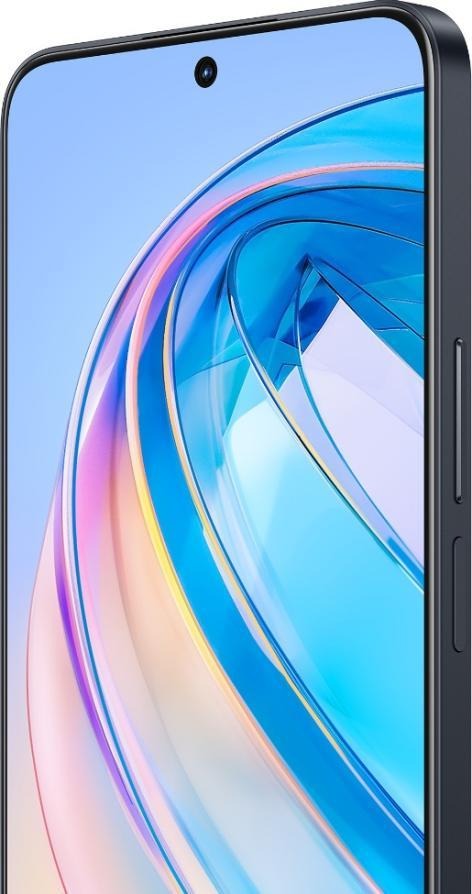
Modern OLED displays have improved significantly in terms of eye comfort. Higher-quality OLED panels now reduce flicker more effectively, especially when used at medium to high brightness levels. This allows users to enjoy rich colors and deep contrast without as much visual discomfort as older OLED screens sometimes caused. In daily life, these displays can make photos, videos, and text appear more vibrant and immersive. Many families enjoy the balanced experience of clearer visuals combined with improved comfort features. Choosing a well-optimized OLED screen can offer both visual quality and a smoother viewing experience.
Ensure Easy Adjustability
Wide brightness range
A phone should be comfortable to use both outdoors in sunlight and indoors at night. A wide brightness range allows the screen to adapt naturally to different environments throughout the day. Extremely bright screens improve visibility outside, while very low brightness levels are much easier on the eyes in dark rooms. This flexibility helps reduce strain caused by overly harsh lighting conditions. In real-life use, it means the screen feels usable and comfortable no matter where you are. Good brightness control is one of the simplest but most valuable display features.
Large text size option
Text readability has a major impact on eye comfort, especially during long reading sessions. Phones that allow easy font scaling can help reduce squinting and unnecessary eye strain. Larger text sizes are useful not only for older adults, but also for anyone who spends hours reading messages, articles, or documents. In everyday situations, clearer text can make the entire experience feel more relaxed. It also encourages users to hold the phone at a healthier viewing distance. Small adjustments like this can significantly improve long-term comfort.
Dark mode and reading mode
Dark mode reduces glare by using darker backgrounds and softer contrast levels. Reading mode often works alongside it by adjusting color temperature and reducing harsh light output. Together, these features create a calmer display that feels gentler during extended use. Many people notice the difference most clearly when using their phones late at night or in dim lighting. In family settings, these modes can help create a more comfortable experience for everyone. They are easy to enable and can quickly become part of healthier screen habits.
Conclusion
Choosing an eye-friendly phone goes beyond sharpness or bright colors. Features like flicker reduction, blue light protection, and flexible brightness control can greatly improve everyday comfort. Families who spend hours on screens for work, study, or entertainment should consider how a display feels over time—not just how it looks at first glance. Small details like reading modes and adjustable text sizes also make a big difference. Ultimately, a comfortable screen helps everyone enjoy technology in a healthier, more relaxed way.